Private beta · Vancouver, BC
Virtual staging you control.
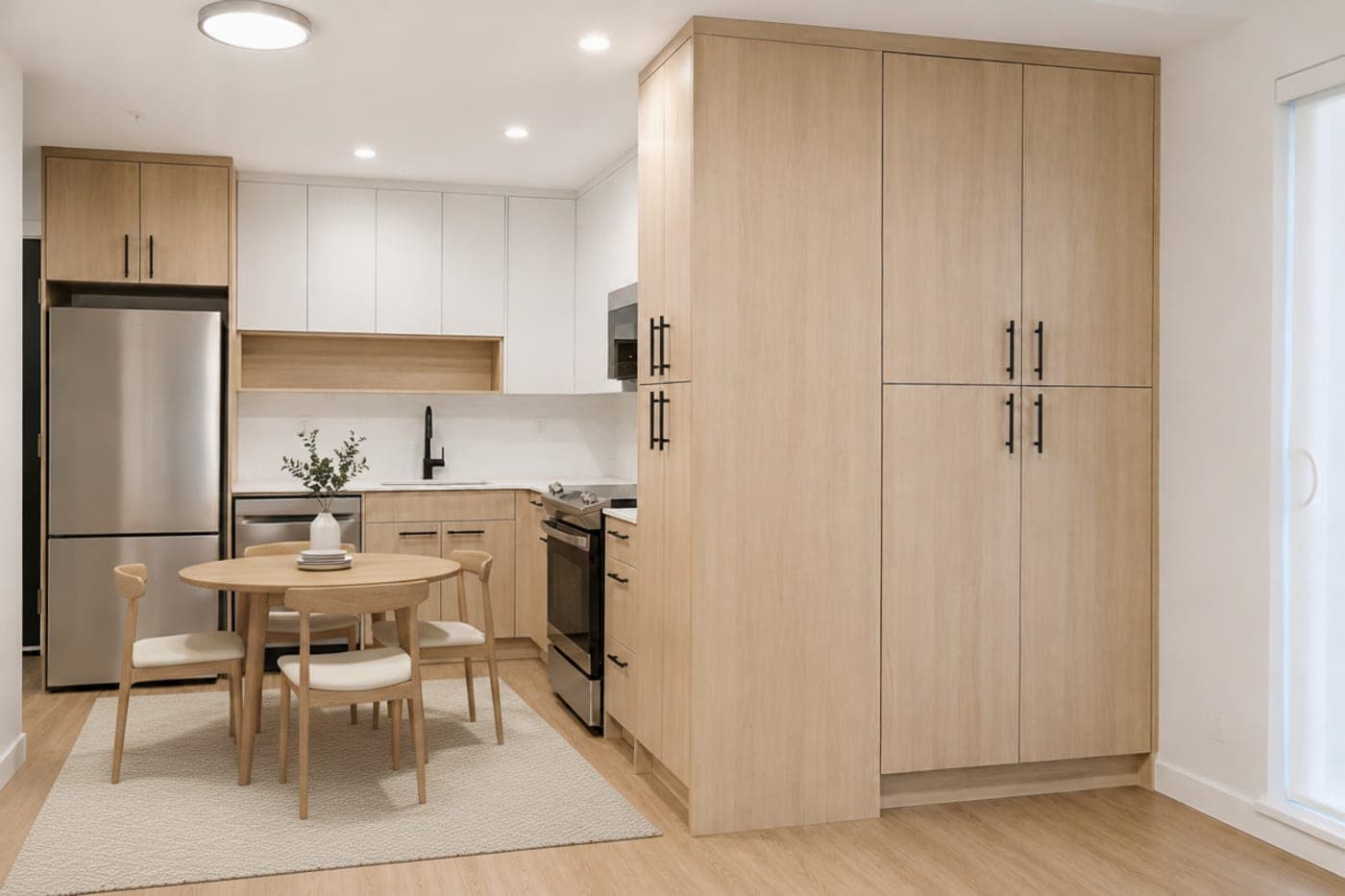
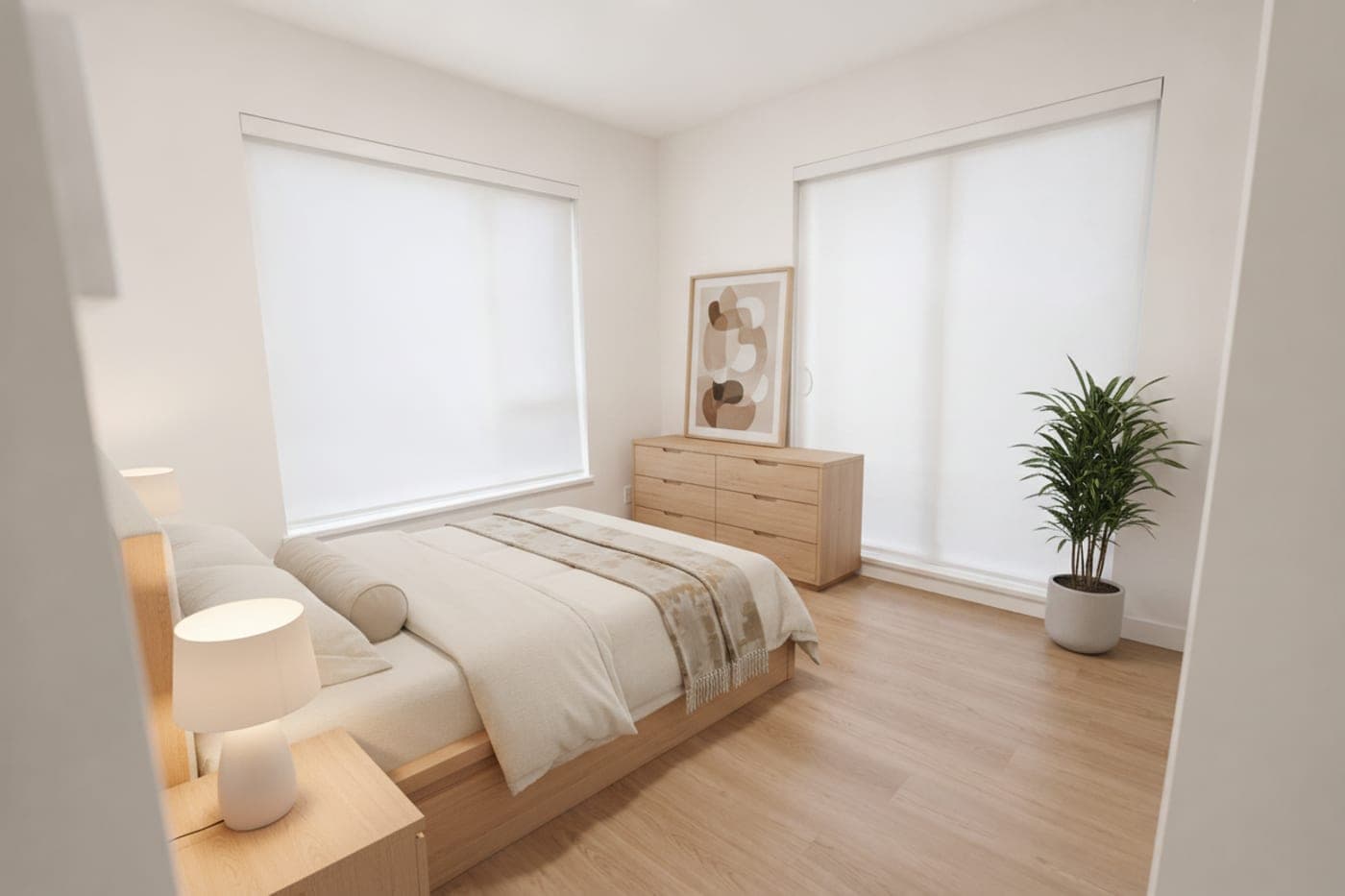
Smart arrange lays out the whole room in one click — then move, resize or swap anything you want. The render follows your layout exactly, with the walls, windows and floors untouched. Pay per image, never a monthly fee.
Try it
Pick a room. Let it arrange. Generate.
The real flow, simplified for your thumb — no signup, no AI bill.
- Pick a room
- Smart arrange
- Generate
Pick a room to stage:
What makes us different
What you get here that you don't get elsewhere.
Smart arrange, free
One click lays out the whole room and flags the clutter.
- Included with every render
- Never an add-on or a higher tier
You control the furniture
Move, resize or swap any piece — the render follows your exact footprints.
- No floating furniture or wrong scale
- No retry roulette: same boxes, same result
Pay per image
Buy credits and spend them only when you stage a photo.
- No subscription, nothing expires
- Failed renders refunded automatically
No altered rooms: walls, floors, windows, fixtures and cabinetry come back exactly as shot — only furniture and decor are added. Label staged photos as virtually staged, per your board's rules.
Results
Real Vancouver listings
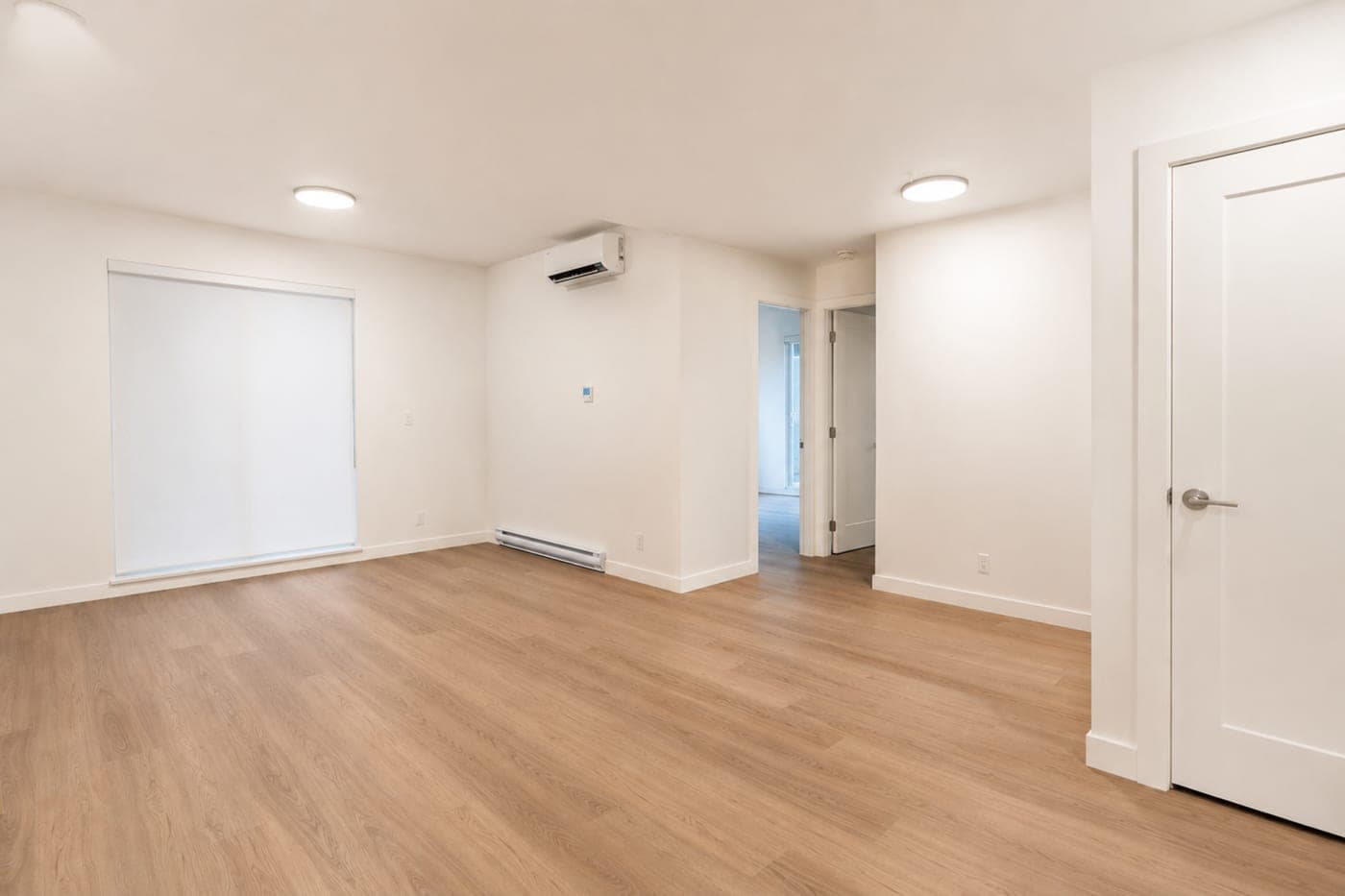
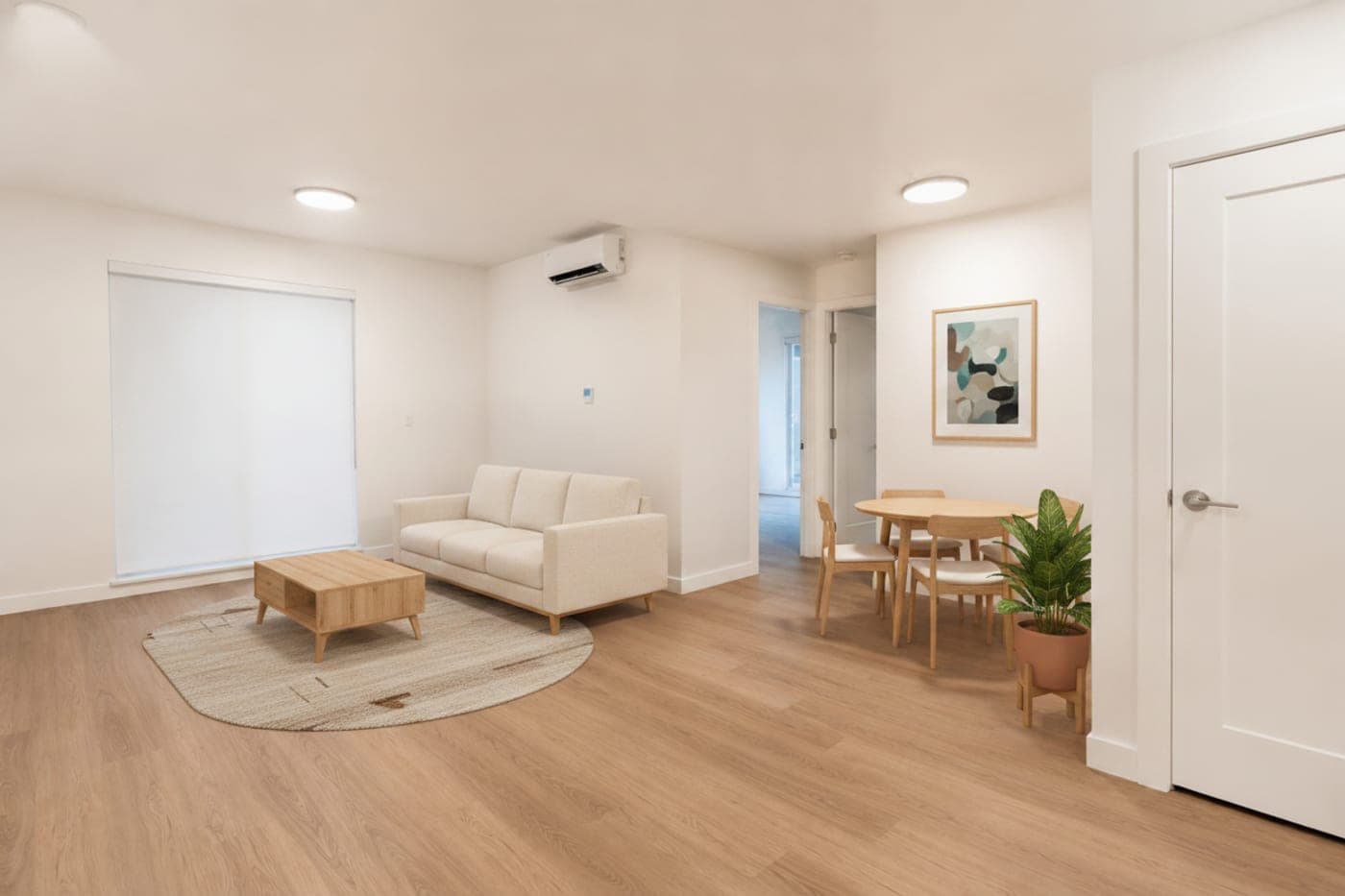
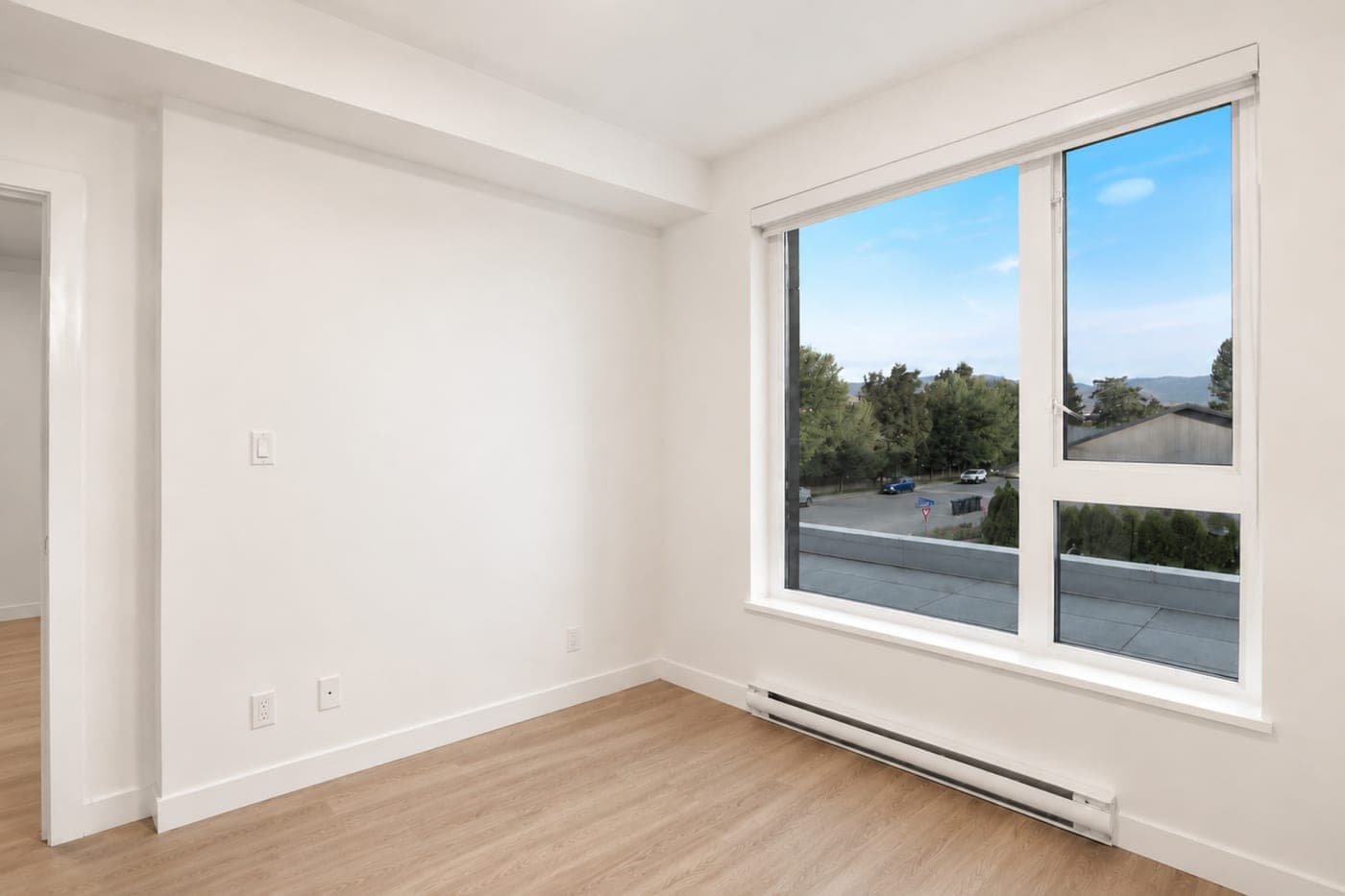
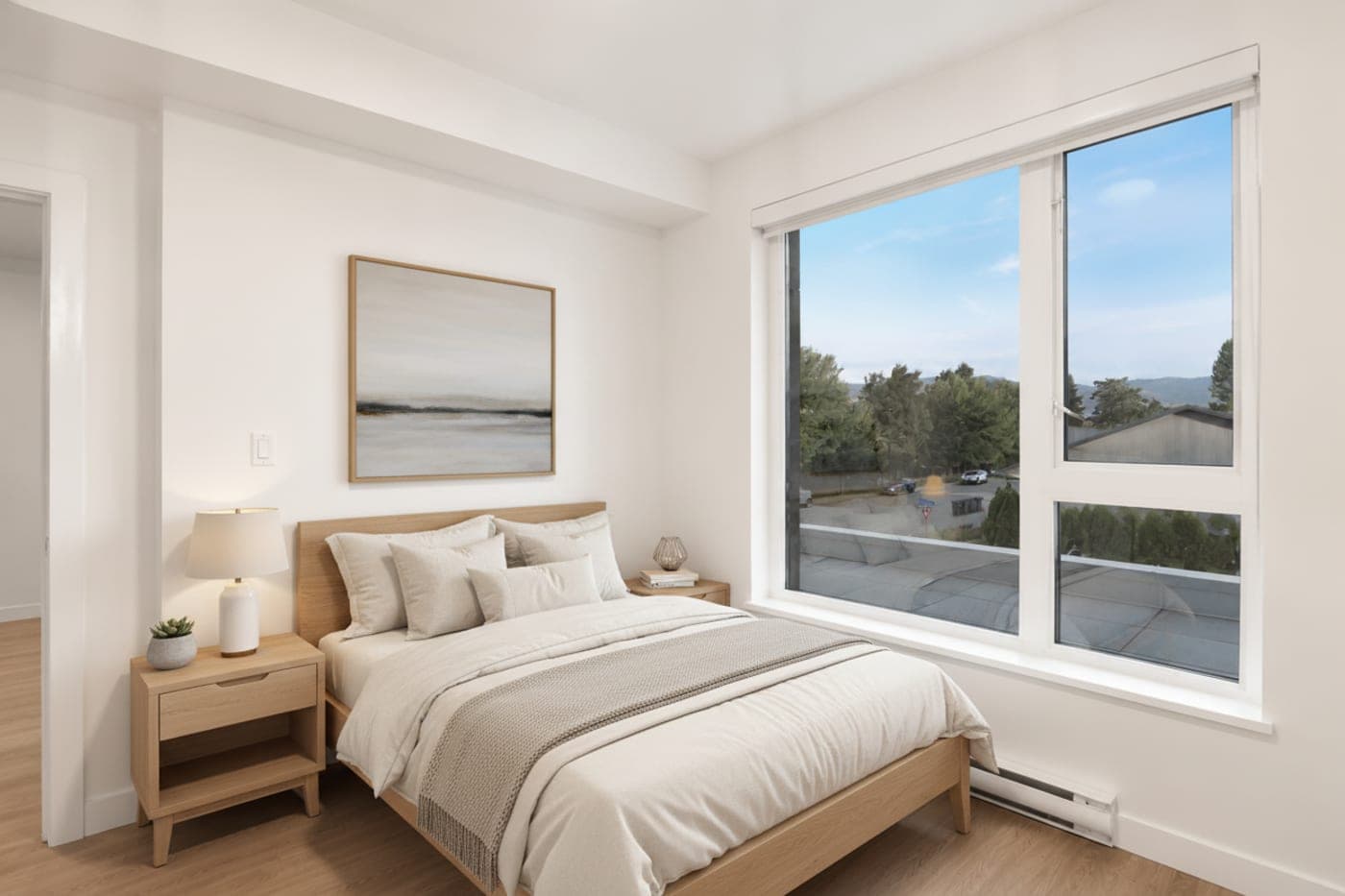
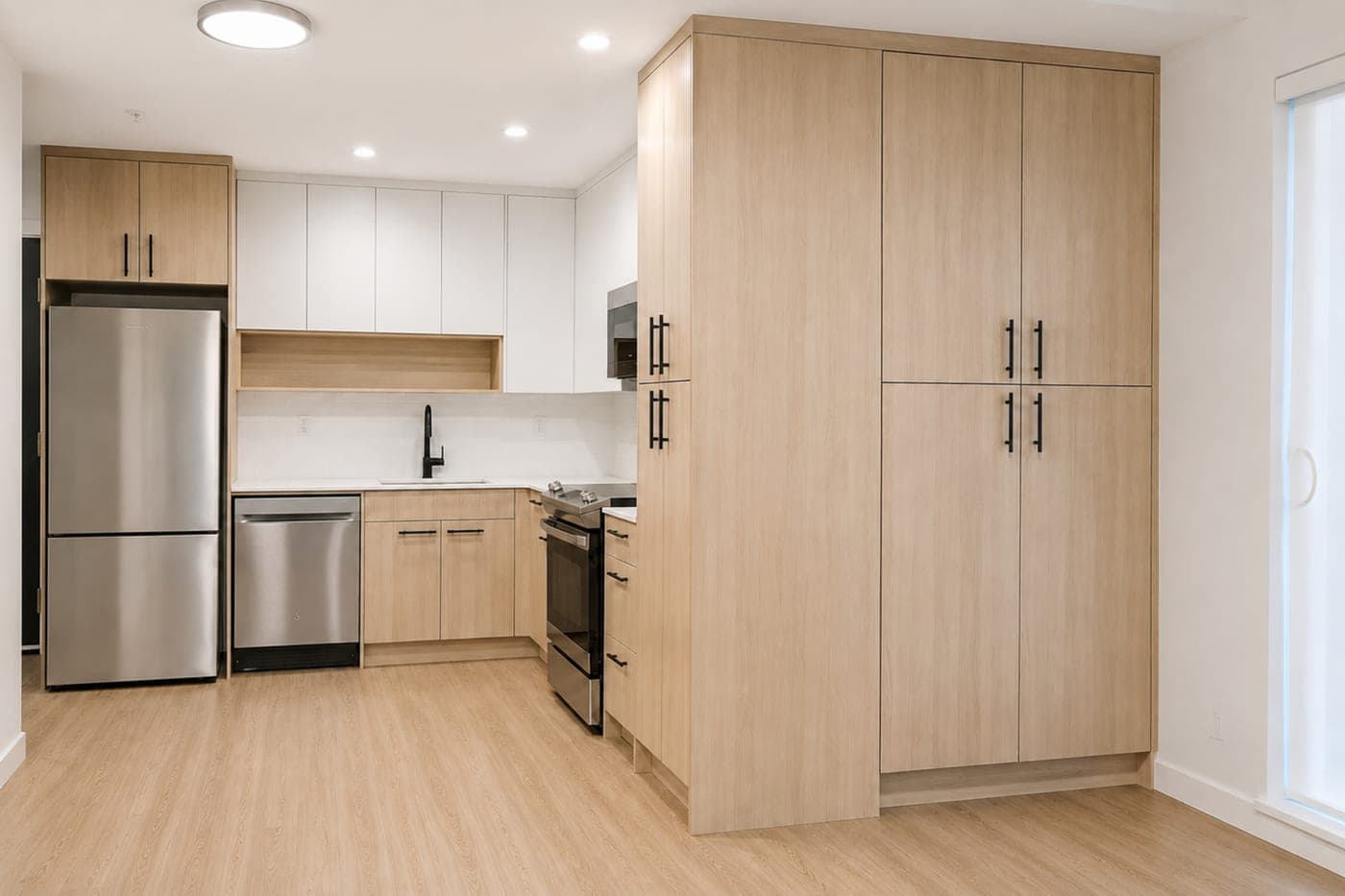
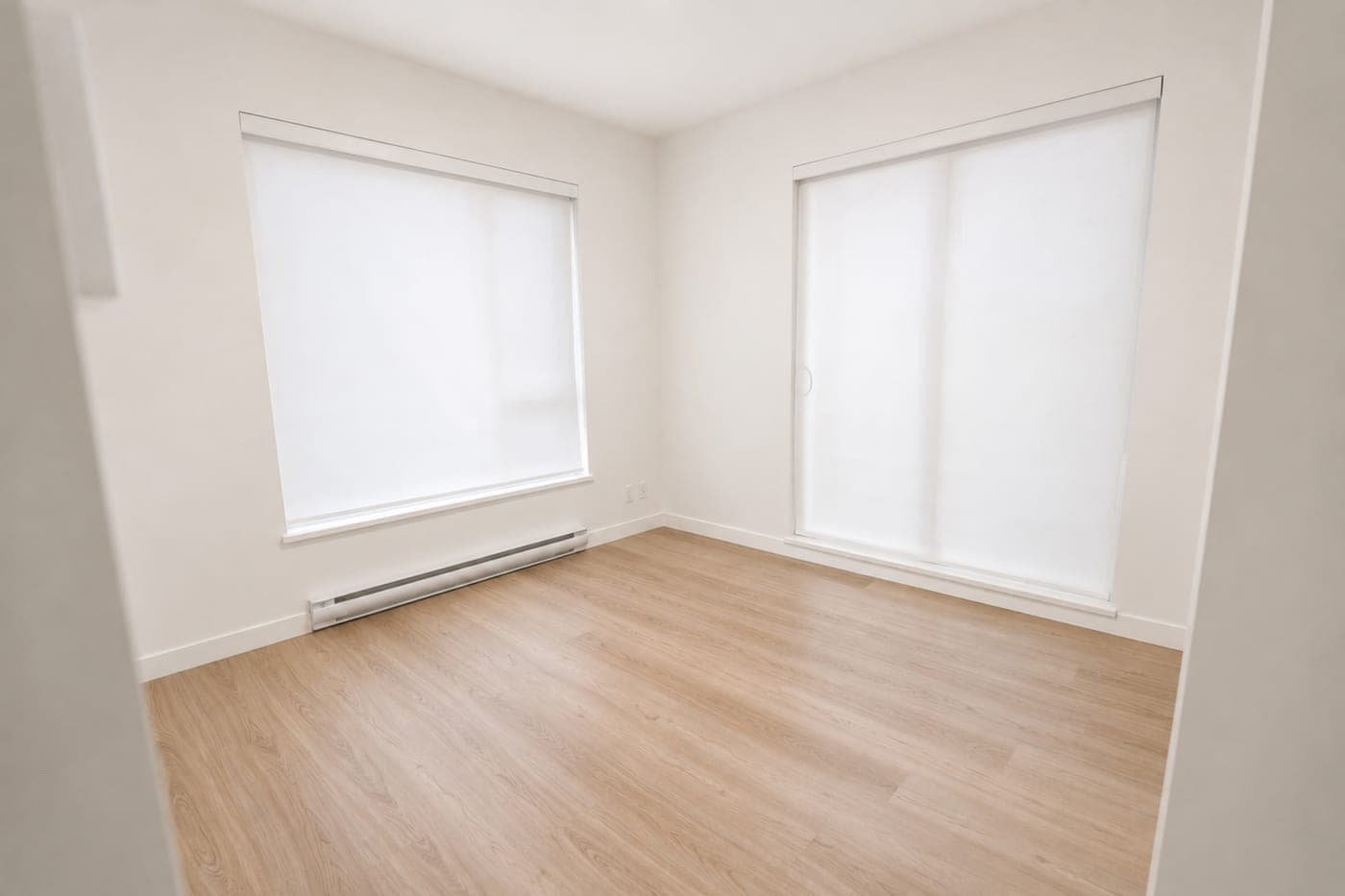
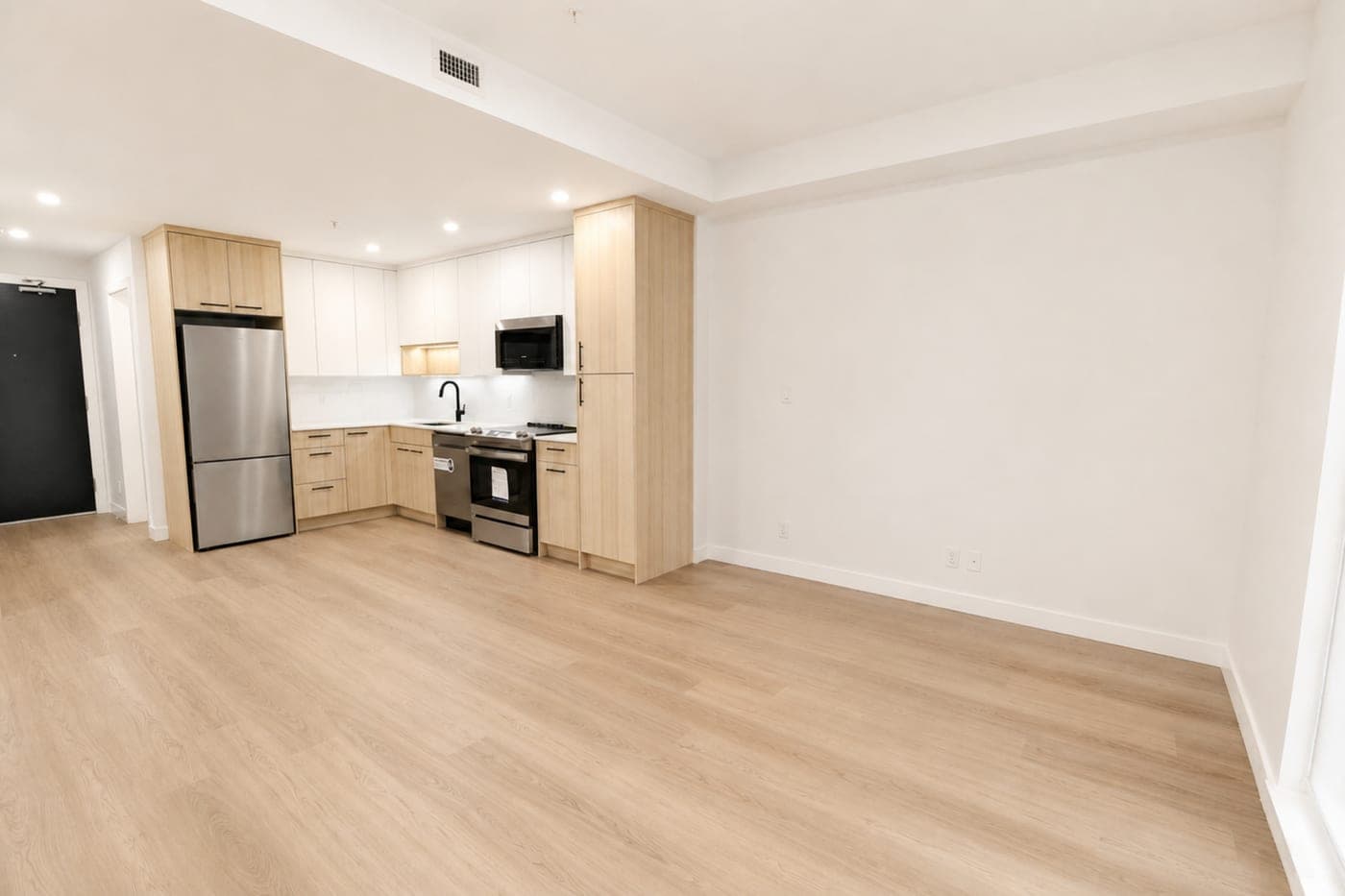
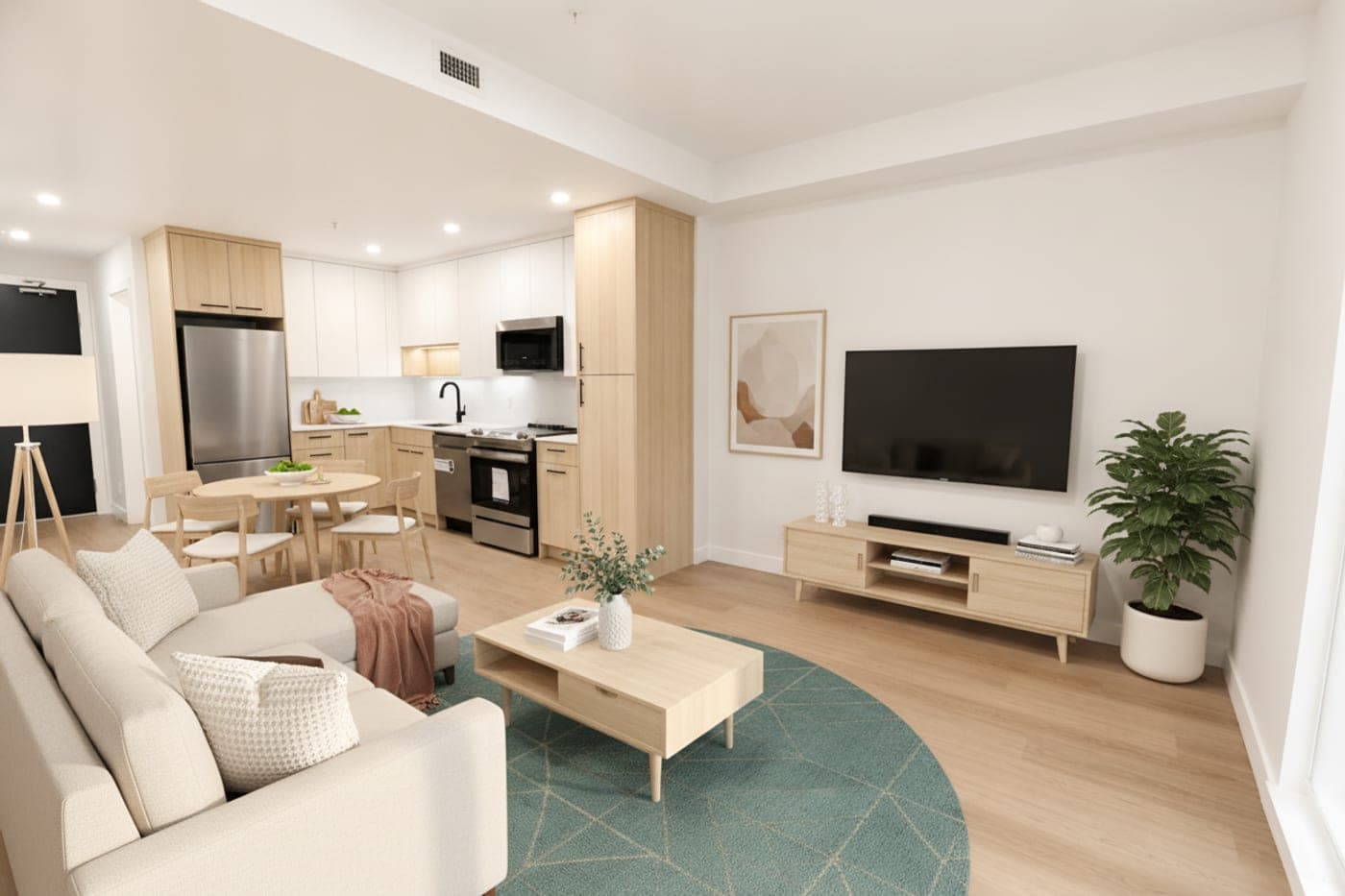
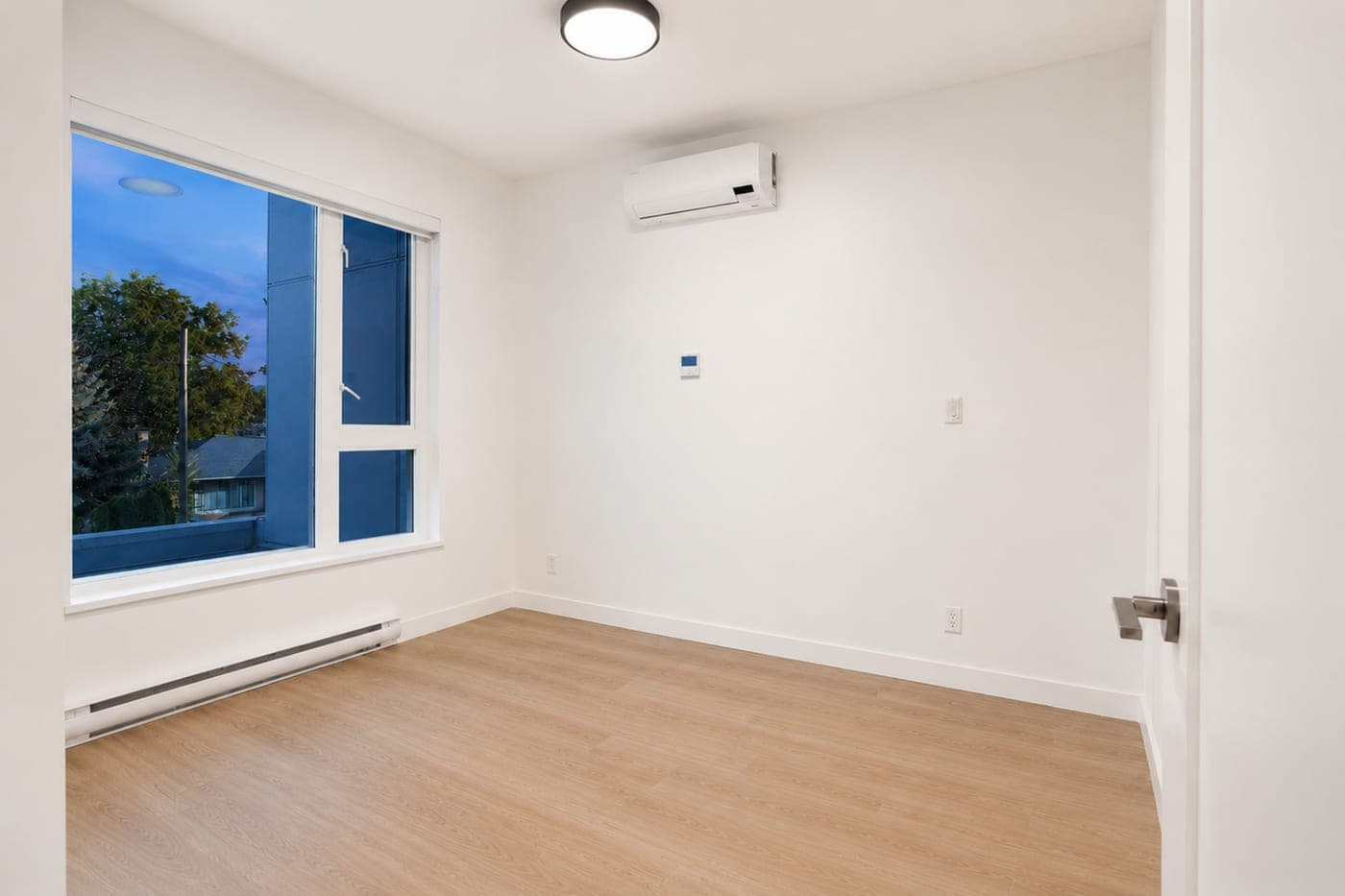
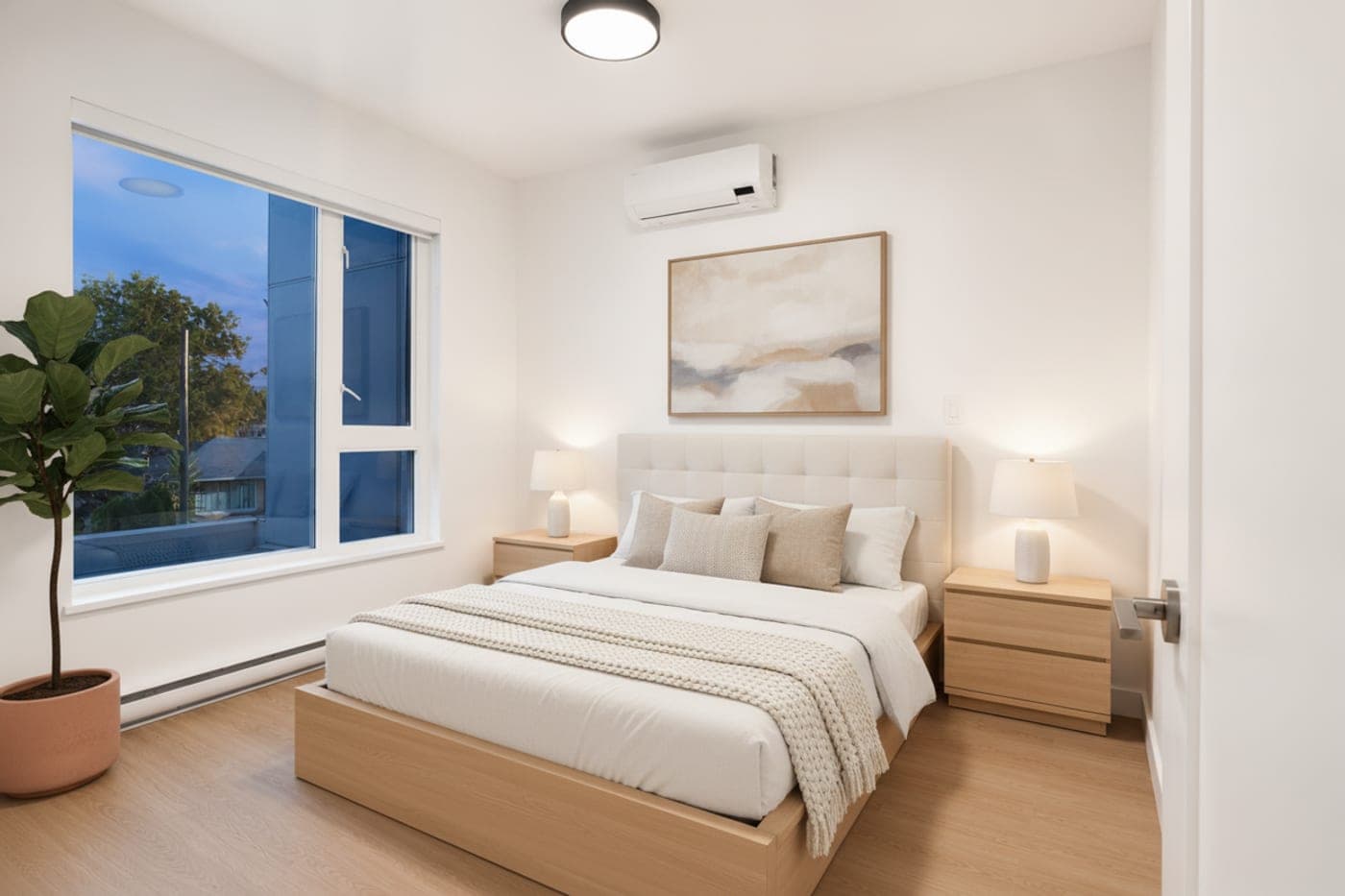
Only furniture and decor are added — walls, windows and floors are exactly as shot. Drag any divider.
Pricing
No subscription. Pay per image.
Most AI staging tools bill you every month whether you list one property or twenty. We don't — you buy credits and spend them only when you stage a photo. Smart arrange is included free, on every render.
$0 / month
No plans, no lock-in. Start with 6 free credits — then pay only when you stage.
Credit packs
Starter
$10
10 credits · $1.00 per credit
Standard
$27
30 credits · $0.90 per credit
Pro
$52
80 credits · $0.65 per credit
Prices in CAD. One credit stages one photo. Credits never expire during the beta, and failed renders are refunded automatically.
Questions